
 UA
UA DE
DE FR
FR SV
SV PL
PL ES
ES IT
IT NL
NLString Art generator from your photo
Upload a clear portrait to create a personalized String Art preview before you order or start assembling.
After upload, you can crop the image, choose a circle or ring base, and generate online instructions for your artwork.
JPG or PNG, no more than 56 MB
A close-up is best — a portrait of a person or animal in contrasting lighting.
A close-up is best — a portrait of a person or animal in contrasting lighting.
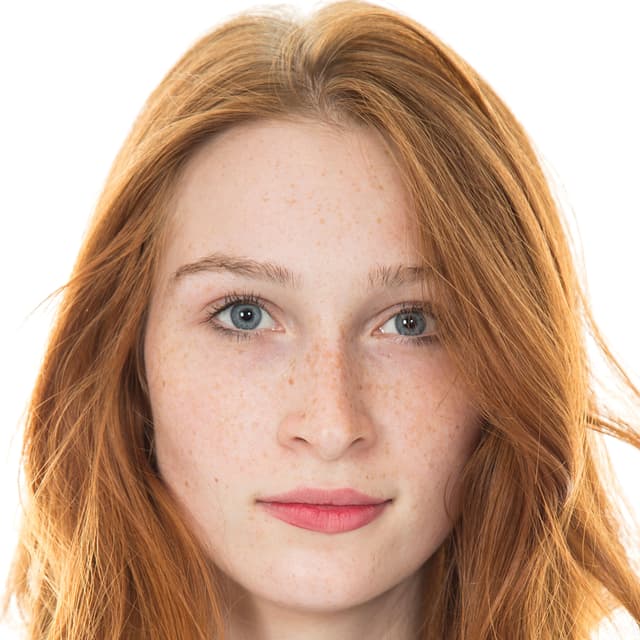
Best: close-up portrait with clear facial features 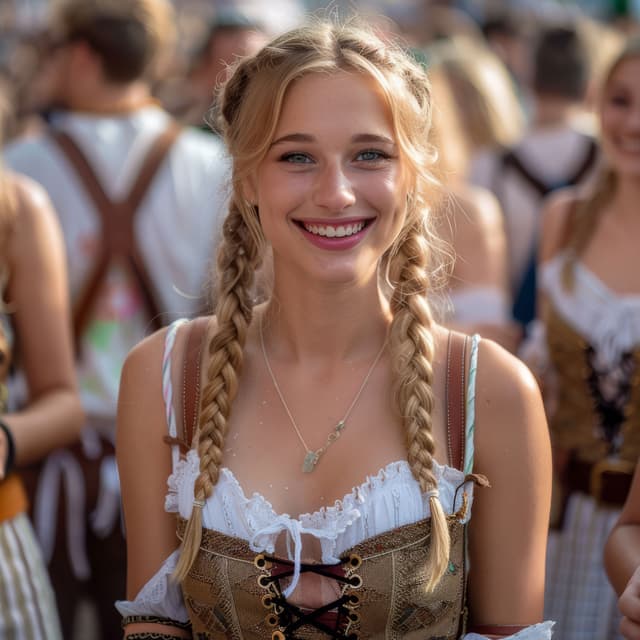
Avoid: face too far away or cropped out 
Good: one or two faces in sharp focus 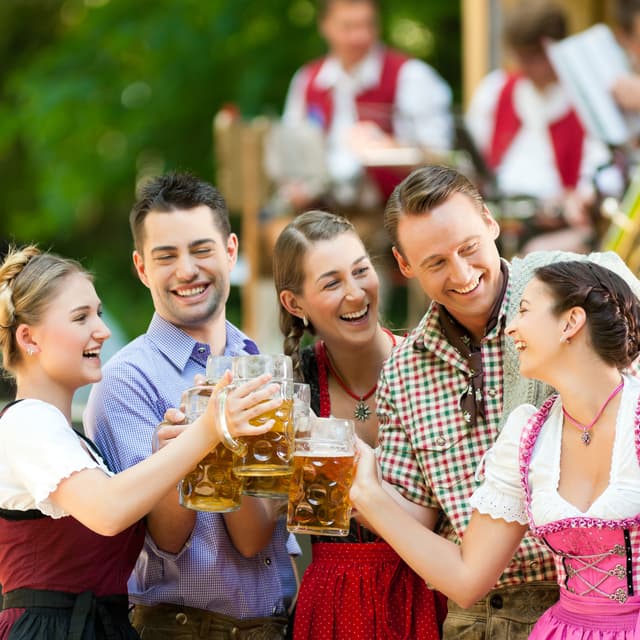
Avoid: group photos with many people or busy details
How the String Art generator works
Start with a clear photo, adjust the crop, and let the generator turn it into a String Art preview with a winding path for your DIY kit.
1. Upload and crop
Choose a portrait in JPG or PNG format, then crop and position the subject so the important facial features stay visible.
2. Choose the base
Select a circle or ring base and generate a preview of how the finished String Art design can look.
3. Follow the instructions
Save the generated image in your account and follow the online assembly instructions step by step.
Which photos work best?
Close-up face photos work best: choose a bright, high-contrast image with one or two faces and a calm background. Avoid dark, blurry, distant, or crowded group photos.
Ready to create the artwork?
Buy a DIY kit, save your generated preview, and open the online instructions whenever you are ready to assemble your String Art picture.